 Vantix
Amazon Fire TV and Firestick
How to Set Up IPTV on Amazon Firestick (2026 Guide)
A complete step-by-step guide to installing Vantix IPTV Player on Amazon Fire TV and Firestick 4K using Downloader code 7305741. On Android TV, install it from Google Play.
Downloader code7305741
About 3 minutes. 15 days free with every feature, no ads. Vantix is a player: it does not provide channels, playlists or subscriptions.
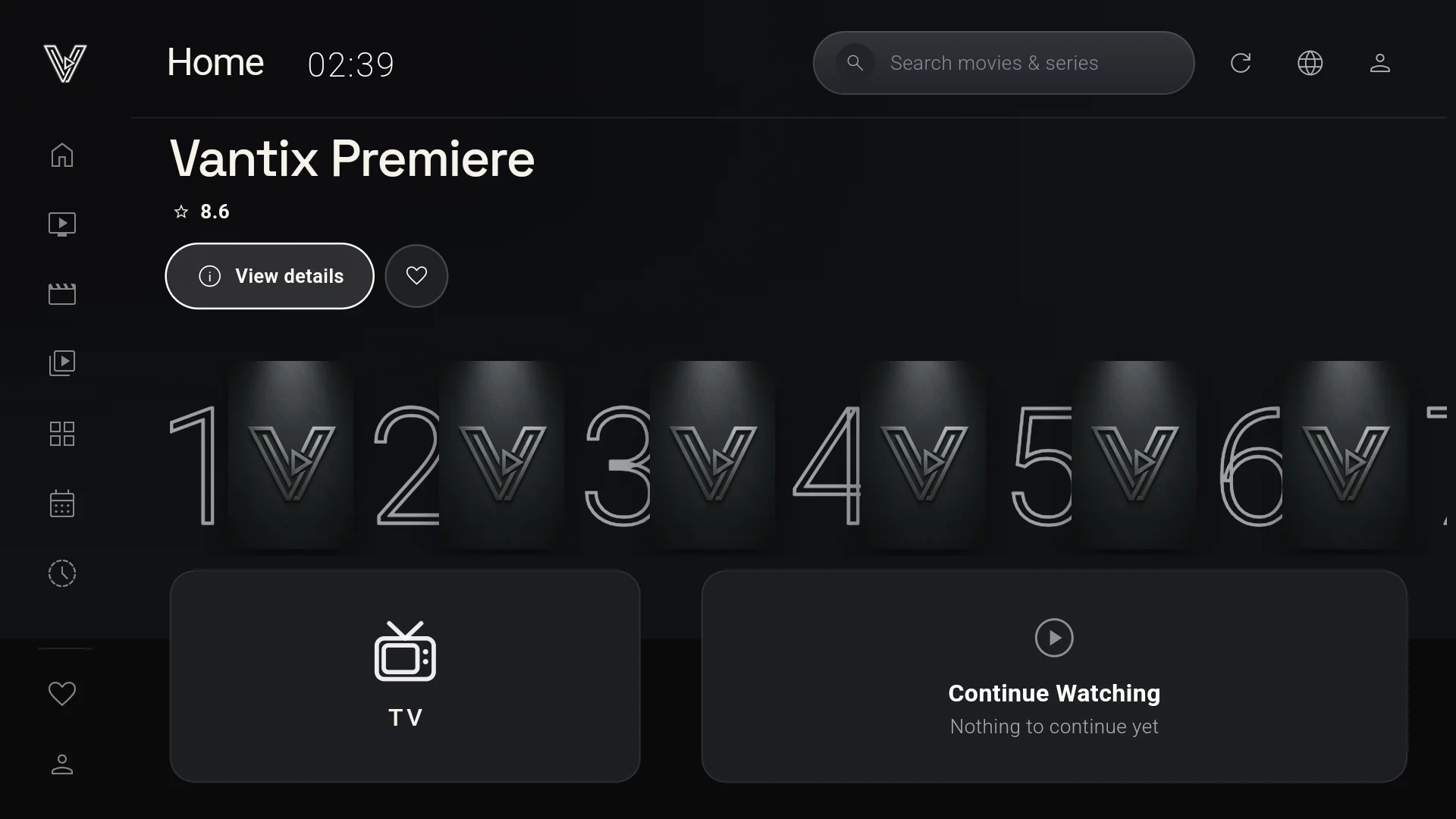
How to install IPTV on an Amazon Firestick, step by step
Downloader is a free app for Fire TV. You type a code and it takes you to the right page, so there is no long address to enter with the remote.
-
Open the Downloader app
Open Downloader on your Firestick. If it is not there, search for Downloader on the Fire TV and install the free app first.
-
Enter the Downloader code
On the Home screen, select the URL bar, type the code below and choose Go. Or open amazon.com/dp/B0HNYTGMV1 directly.
7305741 -
Install Vantix from the Amazon Appstore
The code opens the official Vantix listing in the Amazon Appstore. Choose Get or Download, then Open.
-
Add your M3U or Xtream login by QR code
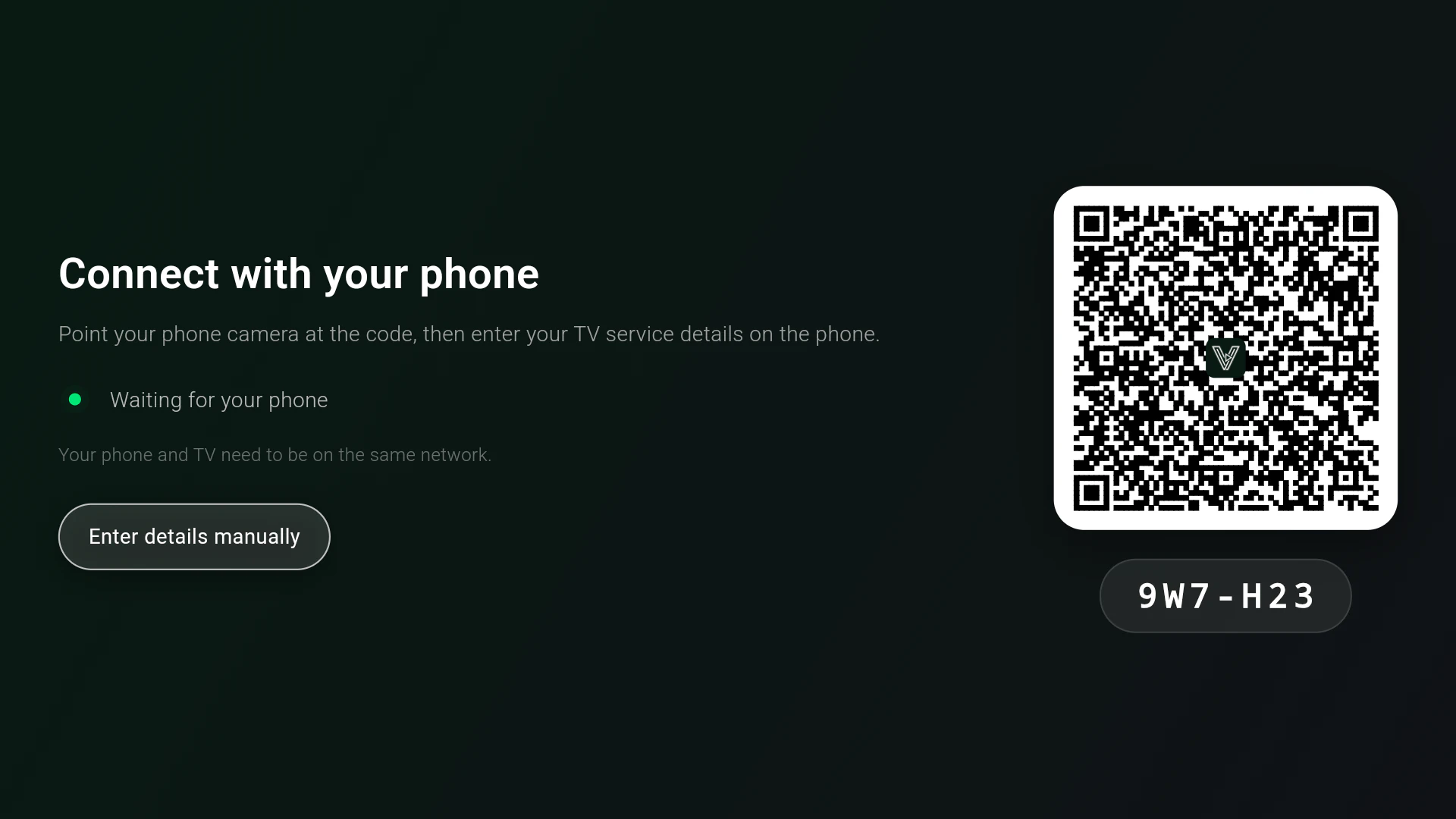
Vantix shows a QR code. Scan it with your phone, then enter your M3U playlist URL or Xtream Codes details in the form that opens in the phone's browser. They reach the TV over your home Wi-Fi.
No Downloader? Search for Vantix in the Fire TV search, or send the Vantix page on Amazon to your Fire TV from a browser. Install Vantix only from the Amazon Appstore so you get the Fire TV version and its updates. Nothing is sideloaded.
Best IPTV Downloader Code for Firestick (2026)
Most Downloader codes on code lists open an APK file from a third-party website. Code 7305741 is different: it opens the official Vantix listing in the Amazon Appstore.
- Enter Downloader Code 7305741 to install the official Vantix Player directly from the Amazon Appstore.
- On the Appstore page that opens, choose Get or Download. Unknown Sources can stay off, and Amazon keeps the app updated.
- Open Vantix, choose Connect with phone, and scan the QR code to add your own M3U link or Xtream Codes login.
- Use every feature free for 15 days, then keep it with Vantix Pro, bought on the TV through Amazon.
Vantix publishes only its own code. It does not list or link to codes for other apps.
An M3U IPTV player for Amazon Fire TV
Once Vantix is installed, your own playlist is the only thing it needs.
Add your own source
Vantix takes M3U playlists, as a link or as a file, and Xtream Codes accounts. Enter them by QR code from your phone, or type on the remote.
Vantix has no channels of its own. Until you add a source you are allowed to use, there is nothing to watch.
What you get
- An EPG guide from your provider, with catch-up where they archive it
- Channel switching that keeps the last frame on screen while the next channel loads
- Multi-View with two or four channels, if your provider allows that many connections
- Google Cast from the phone app to any Cast-enabled TV
- No ads
What it costs on Fire TV
15 days free, then Vantix Pro
A new device gets 15 days with every feature. After that you choose one option in the Amazon Appstore:
Prices are in US dollars. Amazon shows your local price at checkout. Lifetime has no renewal. Yearly and Monthly renew until you cancel them in your Amazon account.
Which Fire TV devices
- Fire TV Stick and other Fire TV devices running Fire OS 6 or newer
- Android TV and Google TV sets and boxes, from Google Play
- 4K and HEVC channels need a chip that decodes them in hardware
- Devices with 1 GB of RAM can be slow with very large playlists
Questions
What is the best IPTV Downloader code for Firestick in 2026?
Enter Downloader Code 7305741 to install the official Vantix Player directly from the Amazon Appstore. The code opens the Vantix listing in the Appstore rather than an APK file, so nothing is sideloaded and Amazon keeps the app updated. Vantix is a player only: you add your own M3U playlist or Xtream Codes login, from a source you are authorized to use.
How do I set up IPTV on an Amazon Firestick?
Open the Downloader app, enter code 7305741, install Vantix from the Amazon Appstore page it opens, then open Vantix and scan its QR code with your phone to add your M3U playlist URL or Xtream Codes login. Vantix is only the player: you need a playlist or account from a source you are allowed to use.
Where do I get an M3U playlist for Vantix?
From your own IPTV provider, or a playlist you made yourself. Vantix does not provide, sell or recommend any playlists, channels or subscriptions. Without a source you are authorized to use, there is nothing to watch.
Does Vantix include channels or an IPTV subscription?
No. Vantix is a media player only. It provides zero channels, streams or subscription content, and it is not affiliated with any provider.
Is the Downloader code safe? Does it sideload an APK?
Code 7305741 opens the Vantix page in the Amazon Appstore, so you install the real Fire TV version through Amazon and get its updates. Nothing is sideloaded. You can also search for Vantix in the Fire TV search.
Does Vantix work on Android TV and Google TV?
Yes. On Android TV and Google TV, install Vantix from Google Play. The Downloader code is for Fire TV, where it opens the Amazon Appstore.
Vantix does not provide channels, movies, streams, playlists or IPTV subscriptions, and is not affiliated with any provider. Use it only with sources you are authorized to watch. Amazon, Fire TV and Firestick are trademarks of Amazon.com, Inc. or its affiliates. Downloader is a separate app that Vantix is not affiliated with.